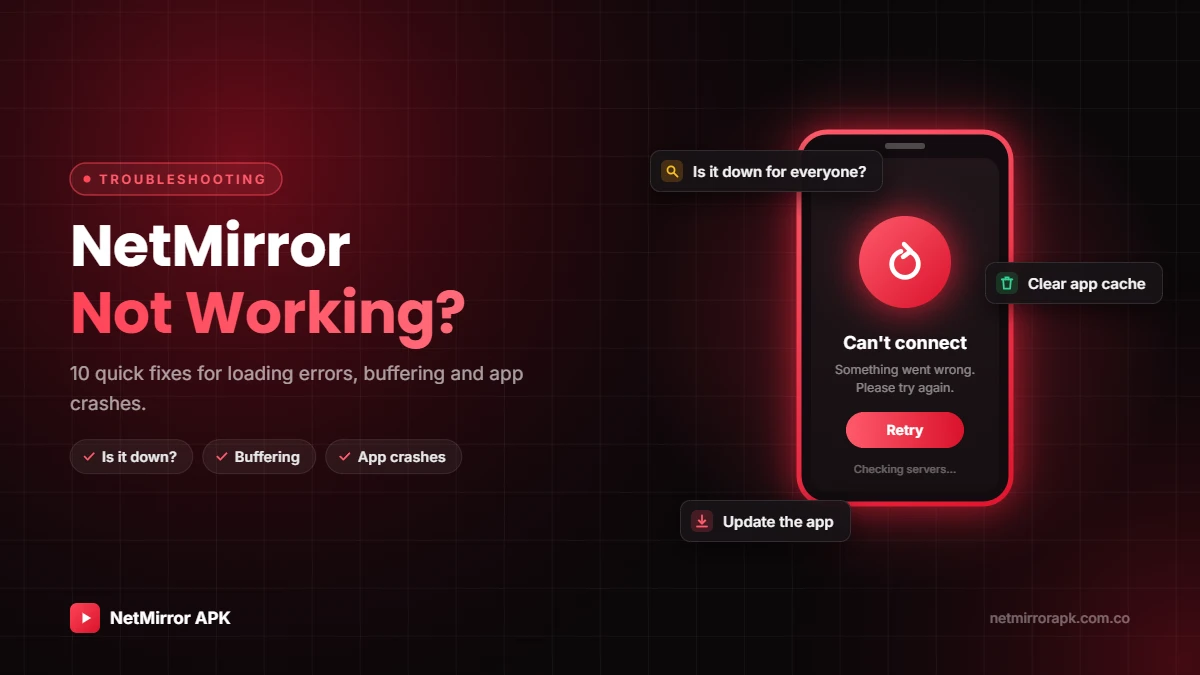
NetMirror Not Working? 10 Quick Fixes
Is NetMirror not working for you today? Maybe you see a blank screen, endless loading, a “page not found” error or a video that keeps buffering. In most cases the problem is small and takes a few minutes to fix. This guide shows how to check if NetMirror is down for everyone, then gives 10 quick fixes for Android, browsers, TV, PC and iPhone.
NetMirror is an unofficial app that streams content without licences, so its servers and web addresses change often. That is why it breaks more often than official apps like Netflix or JioHotstar.
Fix blank screens, buffering, page not found and verification loops in minutes.
Check your connection and try again
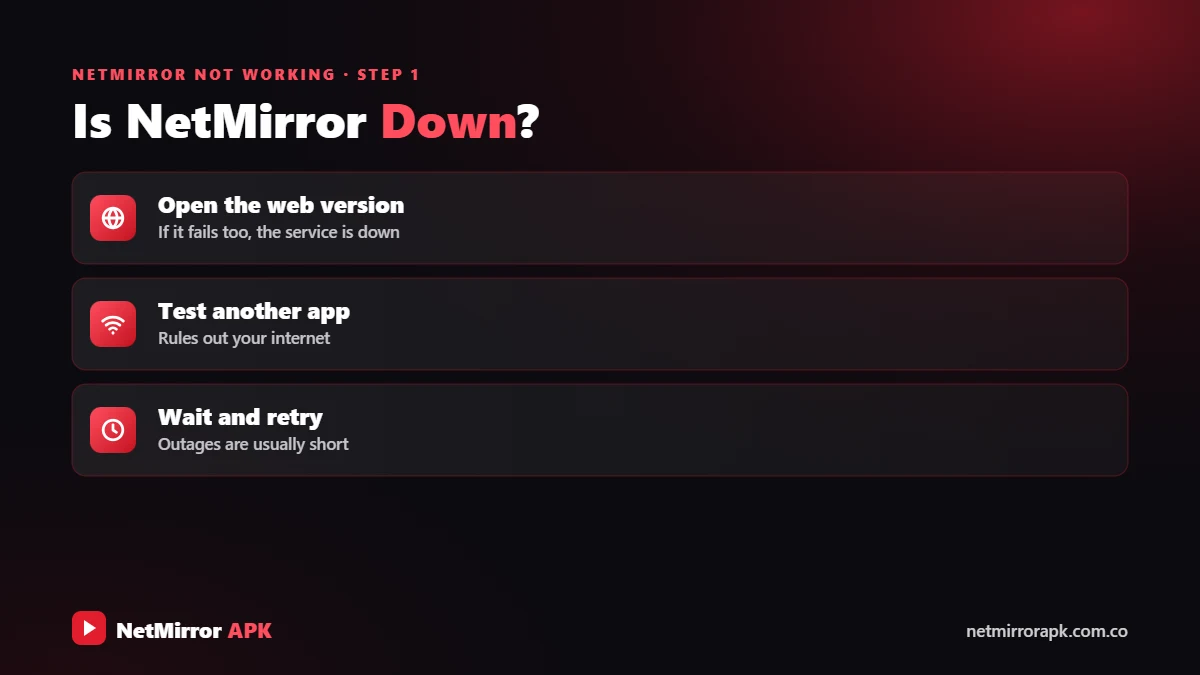
Is NetMirror Down for Everyone or Just You?
First find out where the problem is. If NetMirror is down for everyone, no fix on your phone will help. Google’s Android Help centre shows where to clear an app’s cache and storage on your phone.
- Try another device: Open the NetMirror web version on a second phone or laptop.
- Try another network: Switch from Wi-Fi to mobile data, or the other way round.
- Wait 30 to 60 minutes: Unofficial servers often go offline for a while because of heavy traffic.
If it works on another device, the problem is your phone. If it fails everywhere, the server is down.
Is your internet provider blocking the address?
Very often NetMirror is not opening because your internet provider (ISP) has blocked the address. This is common. Since 2019, Indian courts allow “dynamic injunctions”, so ISPs can block new mirror copies of piracy sites as soon as they appear. You may see a blank page, “This site can’t be reached” or a government notice.
Such a block is deliberate and legal, and we do not share ways around it. The safe choice is to wait or use a legal platform.
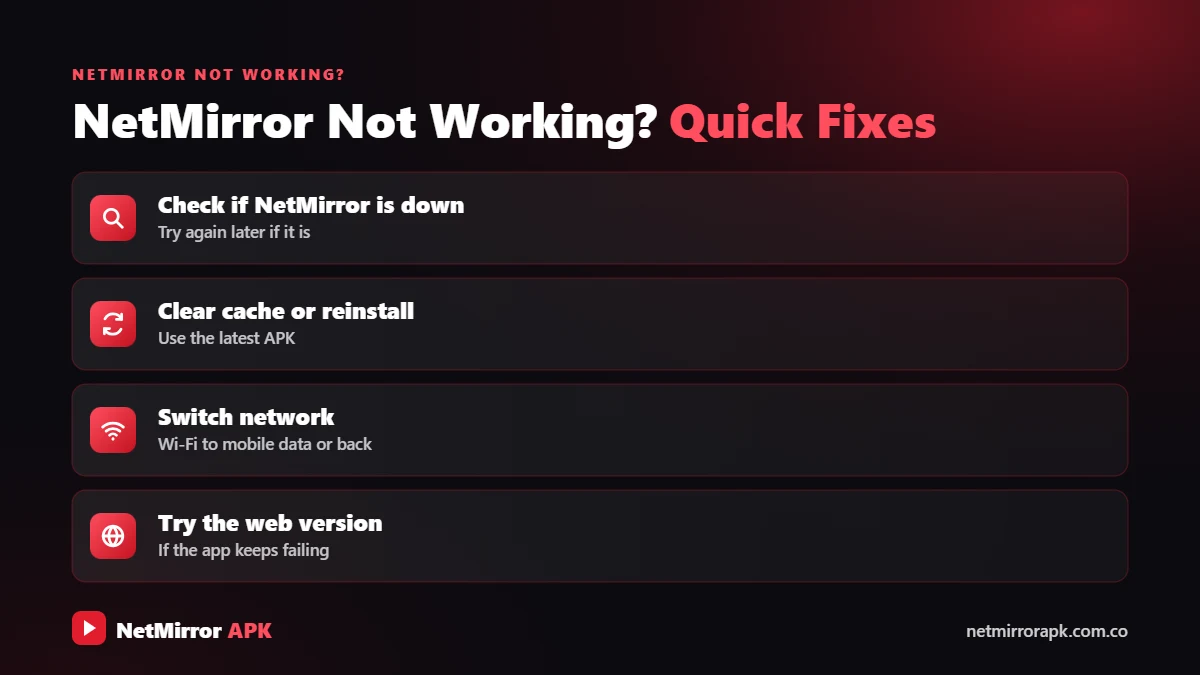
10 Quick Fixes When NetMirror Is Not Working
If NetMirror works for others but not for you, go through this list.
Open another site. If it fails, fix your connection first.
Force stop NetMirror, then open it again.
Switch your phone and router off and on.
Change between Wi-Fi and mobile data.
Settings > Apps > NetMirror > Storage.
Old versions stop working when servers change.
Turn on automatic date and time.
Close background apps and keep storage free.
Battery and data saver can limit streaming.
Uninstall, restart, then install the latest version.
If NetMirror works for others but not for you, try these fixes in order and test after each one.
- Check your internet: Open YouTube or another site. If it is slow too, the problem is your connection.
- Close and reopen NetMirror: Force stop the app (Settings > Apps > NetMirror > Force stop) or close the browser tab, then open it again.
- Restart your phone and router: Switch the phone off and on. Unplug the router for 30 seconds, then plug it back in.
- Switch Wi-Fi and mobile data: Change your network and try again.
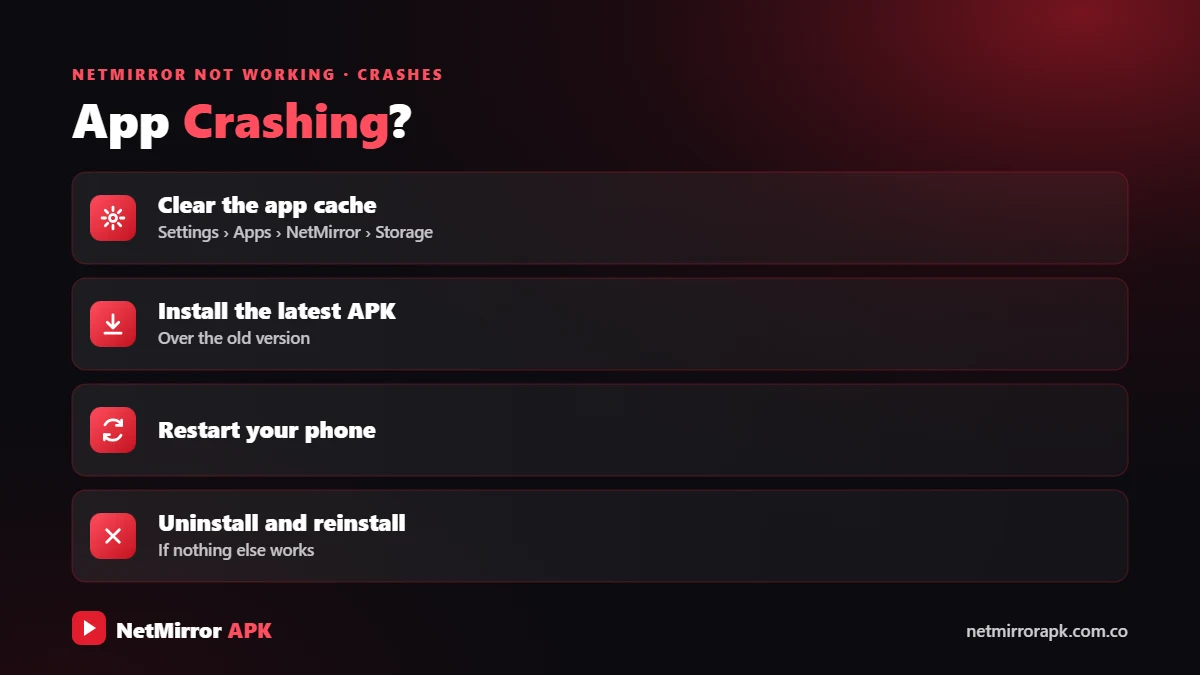
- Clear cache: On Android go to Settings > Apps > NetMirror > Storage > Clear cache. In a browser, clear cookies and site data for the page.
- Update the app or browser: Old versions stop working when servers change. Get the latest version from our NetMirror APK page and update your browser.
- Set the correct date and time: Turn on “Automatic date and time”. A wrong clock breaks secure connections.
- Free up memory: Close background apps and keep some storage free.
- Turn off battery saver and data saver: These modes can limit streaming.
- Reinstall: Uninstall NetMirror, restart the phone and install a fresh copy of the latest version.
Why NetMirror Is Not Working on Android
NetMirror app not opening or crashing
If the app closes as soon as it opens, clear its cache, update to the latest version and restart the phone. Very old Android versions may not run newer builds.
“App not installed” error
The file did not download fully, or an old version is still installed. Remove the old app, download again and allow “Install unknown apps” for your browser or file manager.
NetMirror Not Loading in the Browser
The NetMirror online web version depends on your browser settings. If it is not loading:
- Allow JavaScript and cookies for the page. The player and verification need them.
- Pause very strict ad blockers for that page only. Never click pop-ups that ask you to install something.
- Do a hard refresh (Ctrl + F5) or try another browser.
- For sign-in errors, see our NetMirror login guide.
Why NetMirror Not Working in TV
On Android TV, Google TV and Fire TV Stick, go to Settings > Apps > NetMirror > Clear cache and restart the TV. Make sure you installed the TV version, not the phone APK, and update it with the Downloader app.
Samsung and LG smart TVs cannot install APKs. Use the TV browser, cast from your phone or add a Fire TV Stick. See our NetMirror TV guide.
Why Is NetMirror Not Working on PC?
There is no official Windows or Mac app. In a browser, clear cookies, try another browser and turn off extensions that block video. Some users need the Netmirror Extension before the web player loads. In an emulator like BlueStacks or LDPlayer, update the emulator, turn on virtualization and give it more RAM. Read NetMirror for PC for full steps.
NetMirror Not Working on iPhone
NetMirror is not on the App Store, so iPhone users watch in Safari or Chrome. Go to Settings > Safari > Clear History and Website Data, turn off content blockers for the page, and re-add the Home Screen shortcut.
NetMirror Buffering and Slow Speed
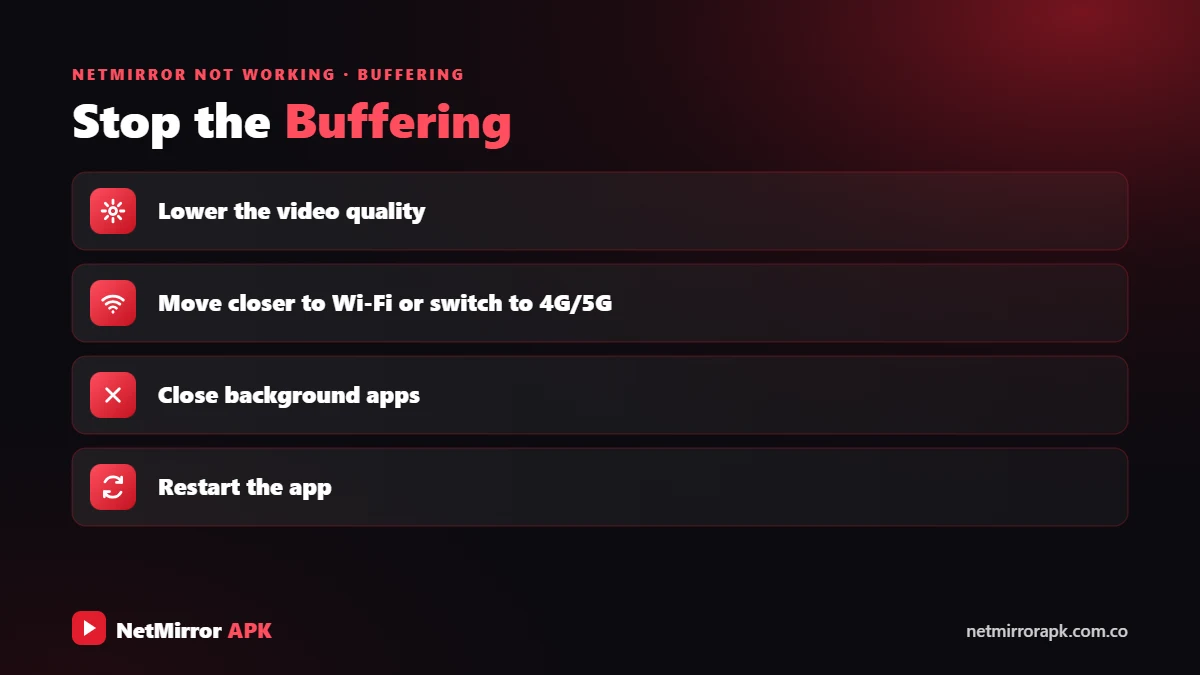
Buffering usually means a slow connection or a busy server.
NetMirror buffering usually means a slow connection or a busy server at peak hours. As a general rule for online video you need roughly:
| SD (480p) | About 3 Mbps |
|---|---|
| HD (720p) | About 5 Mbps |
| Full HD (1080p) | 5 to 8 Mbps or more |
Lower the quality in the player, pause for a minute so it loads ahead, stop other downloads, move closer to the router, or try outside peak hours.
NetMirror “Page Not Found” or Server Down
A “page not found”, 404, 502 or “server down” error means the problem is on NetMirror’s side. The address may have changed, the server may be overloaded, or the title was removed. The only real fix is to wait.
Be careful when searching for a “new” address. Copycat sites may push fake APKs, notification spam or payment requests. Read Is NetMirror safe? for the warning signs.
NetMirror Subtitles Not Working
Tap the screen, open the subtitle (CC) or settings icon and pick a language. Not every title has subtitles. If they are out of sync, reload the video or choose another track. Our how to use NetMirror guide shows full steps.
Stuck in a Human Verification Loop?
If the check keeps coming back, allow cookies for the page, fix your date and time, and close any ad tab before returning. Read our NetMirror human verification guide.
When Nothing Works: Use Legal Alternatives
If NetMirror is still not working, the address may be blocked or the service offline. Legal apps are reliable and safe: Amazon MX Player and YouTube’s free movies section cost nothing, while Netflix, Prime Video, JioHotstar, ZEE5 and SonyLIV have low-cost plans. Compare them in our NetMirror alternatives guide.
Final Words
When NetMirror is not working, first test another device and network to see if it is down for everyone. If it is only you, restarting, clearing cache, updating and fixing the date and time solve most problems. If the address is blocked, waiting or a legal app is the only safe answer.
Frequently Asked Questions
Why is NetMirror not working today?
Usually because of a server outage, an address blocked by your ISP, or an old app version. Test another network, wait 30 to 60 minutes and update the app.
Is NetMirror down?
It goes down often for short periods. If it fails on every device and network, the server is down. If it works on one network only, that network may be blocking it.
Why is NetMirror not loading?
Slow internet, a blocked address, old cache or a browser blocking cookies and JavaScript. Clear the cache, allow cookies and try another browser.
Why is NetMirror buffering?
Your internet is slow or the server is busy. Lower the quality, restart your router and avoid peak hours.
Why is the NetMirror app not working?
An outdated version, corrupt cache, low storage or battery saver. Clear the cache, update the app or reinstall it.
What happened to NetMirror?
As an unofficial service, its addresses and servers change often as they get blocked. If it stopped working, your address may be blocked or moved. Legal platforms are the reliable option.
Related NetMirror Guides
Disclaimer: netmirrorapk.com.co is an independent information website. We are not affiliated with NetMirror, Netflix, Amazon Prime Video, JioHotstar or any other brand mentioned. We do not host, upload or stream any movies or shows; the only file we host is the NetMirror APK on our NetMirror download page. All trademarks belong to their owners. Please respect copyright and use official platforms wherever possible.