NetMirror Human Verification – How to Complete It
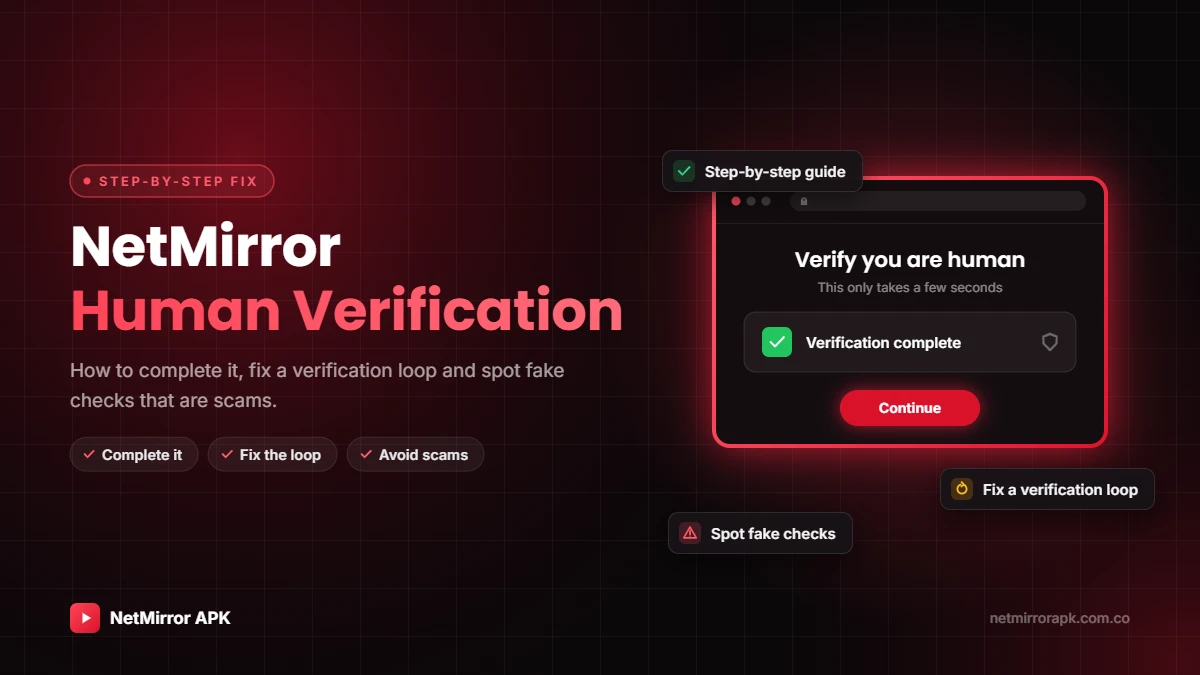
Did NetMirror show a “human verification” screen before your movie started? You are not alone. NetMirror human verification is a quick check that makes sure a real person, not a bot, is asking for the video. In this guide you will learn what the NetMirror verification screen is, how to complete it the right way, why it sometimes keeps looping, and which fake “verification” pages you must avoid.
What the verify screen is, how to pass it and how to get out of the loop.
Quick check before streaming
What Is NetMirror Human Verification?
The NetMirror web version and newer app versions often show a check before streaming. It is an anti-bot and traffic check. It stops automated tools from pulling videos and helps the servers handle heavy traffic. These checks work like the CAPTCHAs Cloudflare describes in its guide to how CAPTCHAs work.
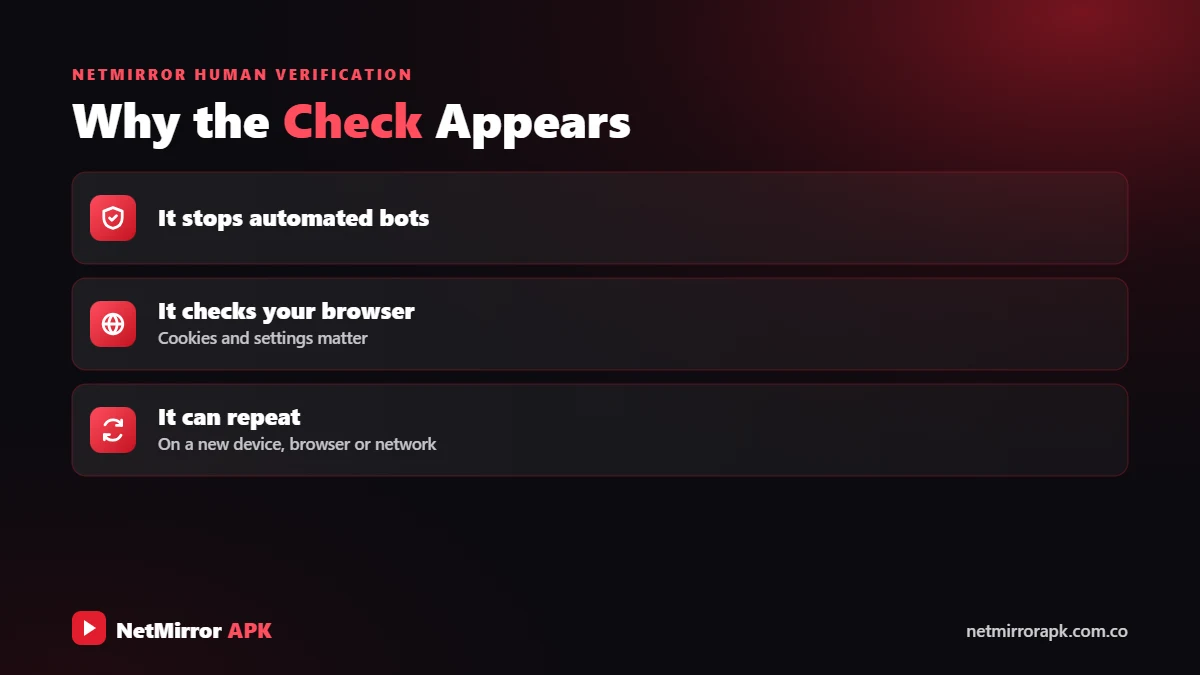
Because NetMirror is a free, unofficial service, the check is often linked to ads. You may see an ad page, a redirect to another website or a short countdown before you return to the player. Whether you call it NetMirror or Net Mirror human verification, it is the same screen.
| What it is | An anti-bot check before streaming |
|---|---|
| When it appears | Before playing a title, after clearing data, or on a new device or browser |
| What it involves | A button, a simple check or a short wait, sometimes with ads |
| Cost | Free. Never pay for “verification”. |
Verification is not the same as signing in. If you see a sign-in screen, read our NetMirror login guide.
How to Complete NetMirror Verification
Follow these steps to pass the verify screen normally.
Open NetMirror and tap the movie or show you want.
Tap the Verify or I’m human button only one time.
Complete the checkbox or short wait shown on the page.
If a new tab opens, close it and return to NetMirror.
Give it a few seconds to take you back to the title.
Press play. On the same device you usually won’t see the check again for a while.
Follow these steps to finish the NetMirror verify screen normally:
- Open the title: Open NetMirror and tap the movie or show you want to watch. The verification screen appears.
- Tap Verify: Tap the “Verify” or “I’m human” button once. Tapping many times can restart the check.
- Finish the check: Complete what the page shows, such as a checkbox or a short countdown.
- Close any ad tab: If a new tab or ad opens, close it and go back to the NetMirror tab. Do not install or allow anything on that page.
- Wait for the redirect: Wait a few seconds. The page should take you back to the player by itself.
- Start watching: Press play. On the same device and browser, you usually will not see the check again for a while.
Why NetMirror Verification Is Not Working (Loop Fixes)
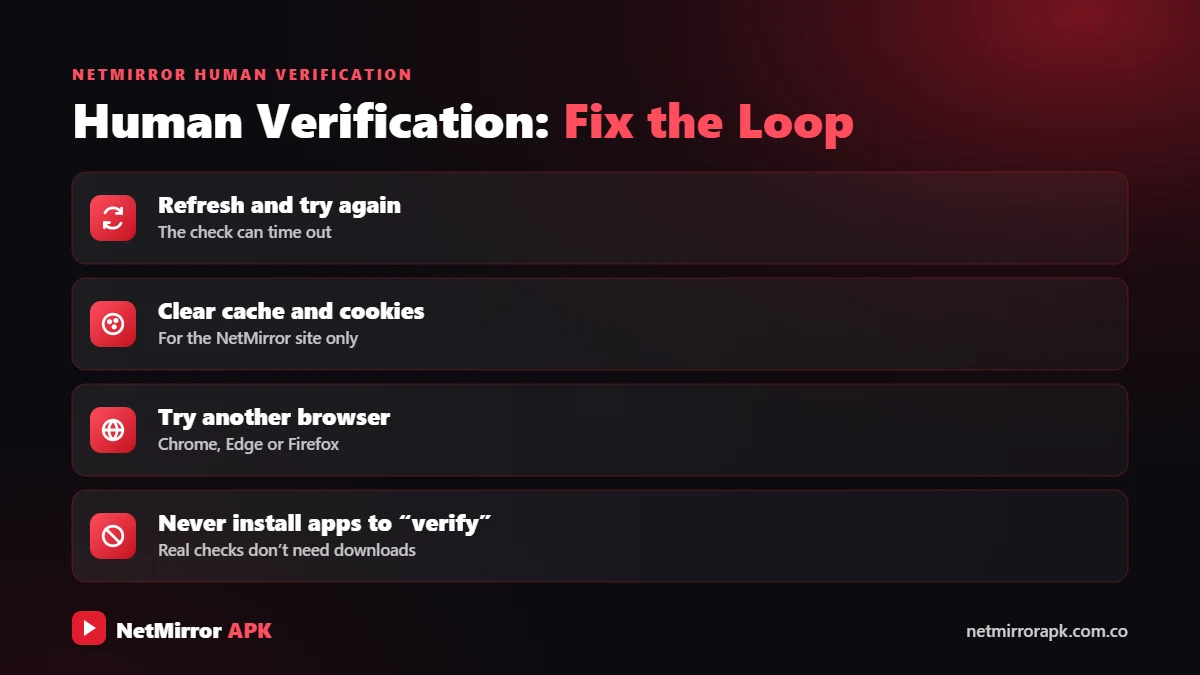
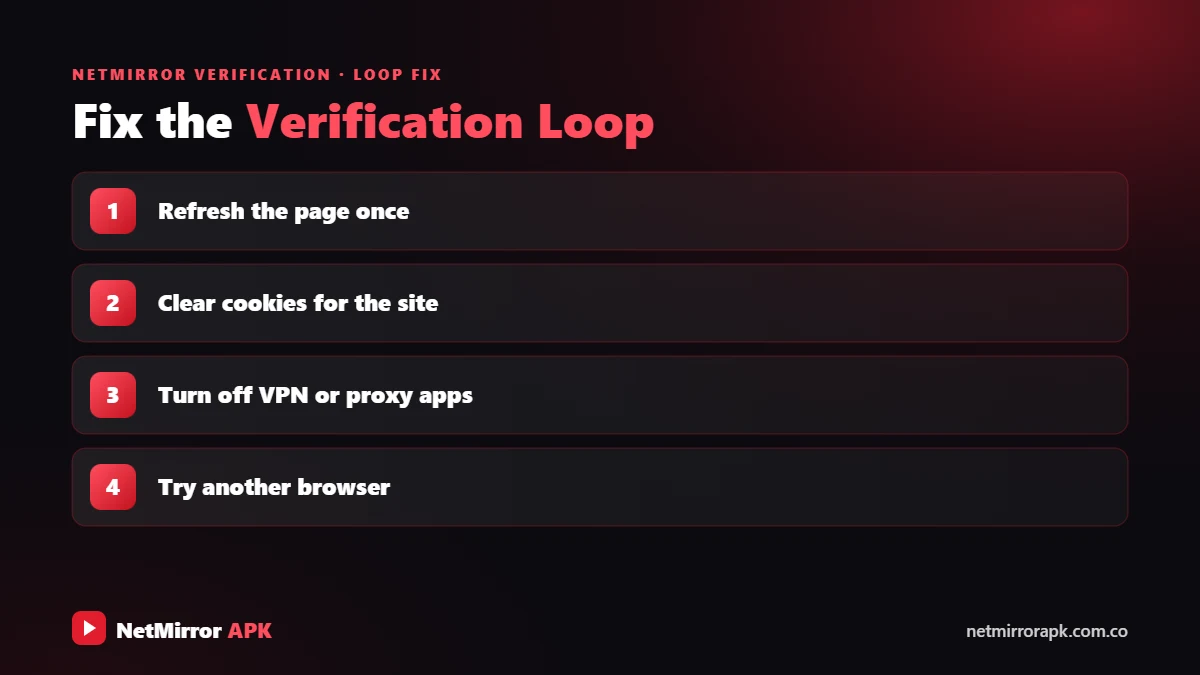
If you finish the check but it keeps coming back, the site cannot remember that you passed. These are the common causes and safe fixes.
Cookies or JavaScript are blocked
The result of the check is saved in a cookie. If cookies or JavaScript are blocked for the page, or you are in incognito mode, the check repeats. Allow cookies and JavaScript for that page in your browser settings.
Wrong date and time
A wrong clock makes the saved result look expired. Turn on “Automatic date and time” on your phone or PC.
Old site data
Damaged old cookies can cause a loop. Clear site data for the NetMirror page (or clear the app cache on Android), reload and verify again.
Strict ad or tracking blockers
Some aggressive blockers stop the verification script from running. Pause the blocker for that page only. Keep your guard up and never accept pop-ups that ask for permissions.
Old browser or app
Update Chrome, Safari or your browser, and get the latest app from our NetMirror APK page.
Unstable network
Switching between Wi-Fi and mobile data during the check resets it. Stay on one stable network. If the page never loads at all, your internet provider may be blocking it. See NetMirror not working for more fixes.
Is NetMirror Verification Safe? How to Spot Scams
The real check is just a click or a short wait. These requests mean a scam.
A real check never asks you to install anything.
Verification does not need your number or a code.
Notification prompts lead to spam and fake alerts.
Any payment request, even a small one, is a scam.
The check is a click or a short wait, never a download.
Never sign in with Google, Facebook or bank details here.
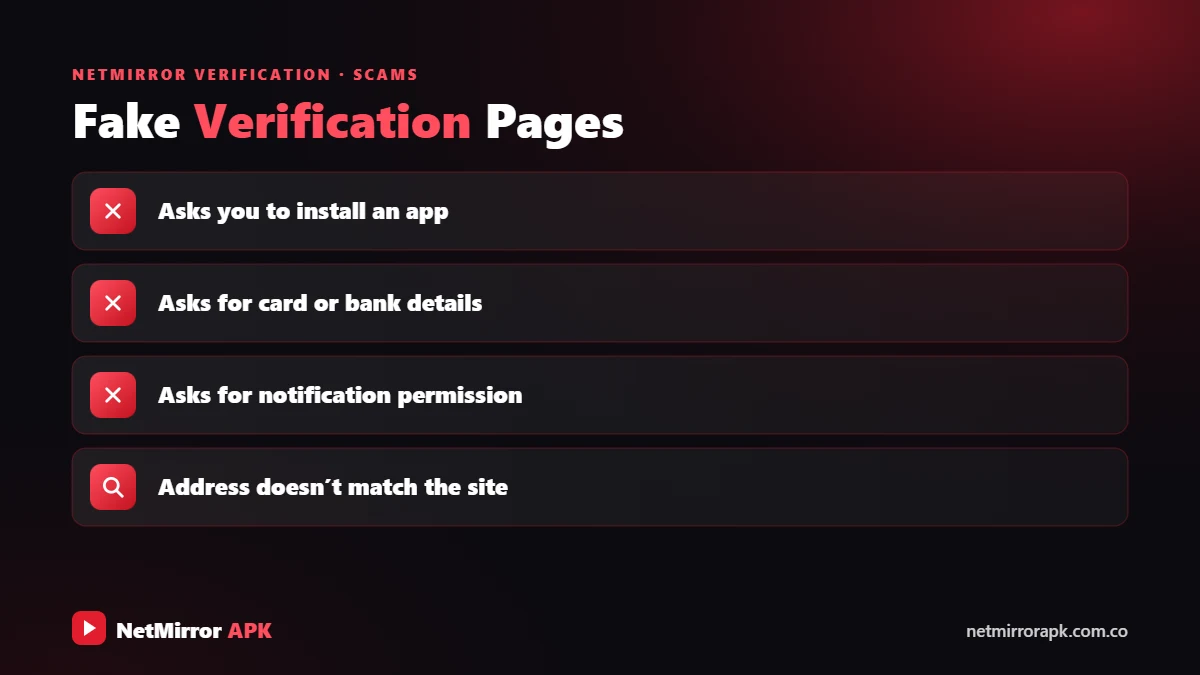
The check itself is usually just a click or a short wait. The risk comes from the ads and redirects around it, and from fake pages that copy its look. A real verification check will never ask you to:
- Install an app, APK or “player” to continue
- Enter your phone number or an OTP
- Allow browser notifications
- Pay money, even a small “unlock fee”
- Download a file
- Sign in with your Google, Facebook or bank password
If a page asks for any of these, treat it as a scam and close it. If you already allowed notifications, remove that site under your browser’s notification settings. If you shared an OTP, contact your bank or mobile operator at once.
For a full look at the risks, read Is NetMirror safe?. If you are tired of ads and checks, legal apps like Netflix, JioHotstar or the free Amazon MX Player never show these walls. Compare them in our NetMirror alternatives guide.
Final Words
NetMirror human verification is a simple anti-bot check: tap verify, finish the check, close any ad tab and wait to be sent back. If it loops, allow cookies, fix your date and time, clear site data and stay on a stable network. Never install, pay or share an OTP for a “verification”.
Frequently Asked Questions
Why does NetMirror ask for human verification?
It is an anti-bot check that confirms a real person is watching. It protects the servers from automated traffic and is often linked to the ads that keep the free service running.
How long does NetMirror verification last?
It varies by version. The result is usually saved in a cookie for a while, but you will need to verify again after clearing browser data, using incognito mode, or switching to a new device or browser.
Why is NetMirror verification not working?
Usually because cookies or JavaScript are blocked, the date and time are wrong, old site data is damaged, a strict blocker stops the script, or the network changed during the check. Fix these and try again.
Is NetMirror verification safe?
The check itself is usually just a click or wait, but the ads and redirects around it can be risky. Never install anything, enter a phone number or OTP, allow notifications, pay money or download a file.
Can I skip NetMirror verification?
No. There is no safe way to skip it. Sites and apps that claim to skip verification are often scams or malware. Complete the check normally or use a legal streaming platform.
Related NetMirror Guides
Disclaimer: netmirrorapk.com.co is an independent information website. We are not affiliated with NetMirror, Netflix, Amazon Prime Video, JioHotstar or any other brand mentioned. We do not host, upload or stream any movies or shows; the only file we host is the NetMirror APK on our NetMirror download page. All trademarks belong to their owners. Please respect copyright and use official platforms wherever possible.