How to Download Movies Offline Legally: Netflix, Prime Video, JioHotstar & YouTube (2026)
Want to download movies offline? A long train journey, a flight or weak network at home is exactly when you want films saved on your phone. The good news: you don’t need any third-party app. Netflix, Prime Video, JioHotstar and YouTube all have a built-in download button, and the downloads play without internet or buffering. This guide shows the exact steps for each app, the limits to expect and how to save storage and data. Thinking of trying an unofficial app instead? Read our APK safety checklist first.
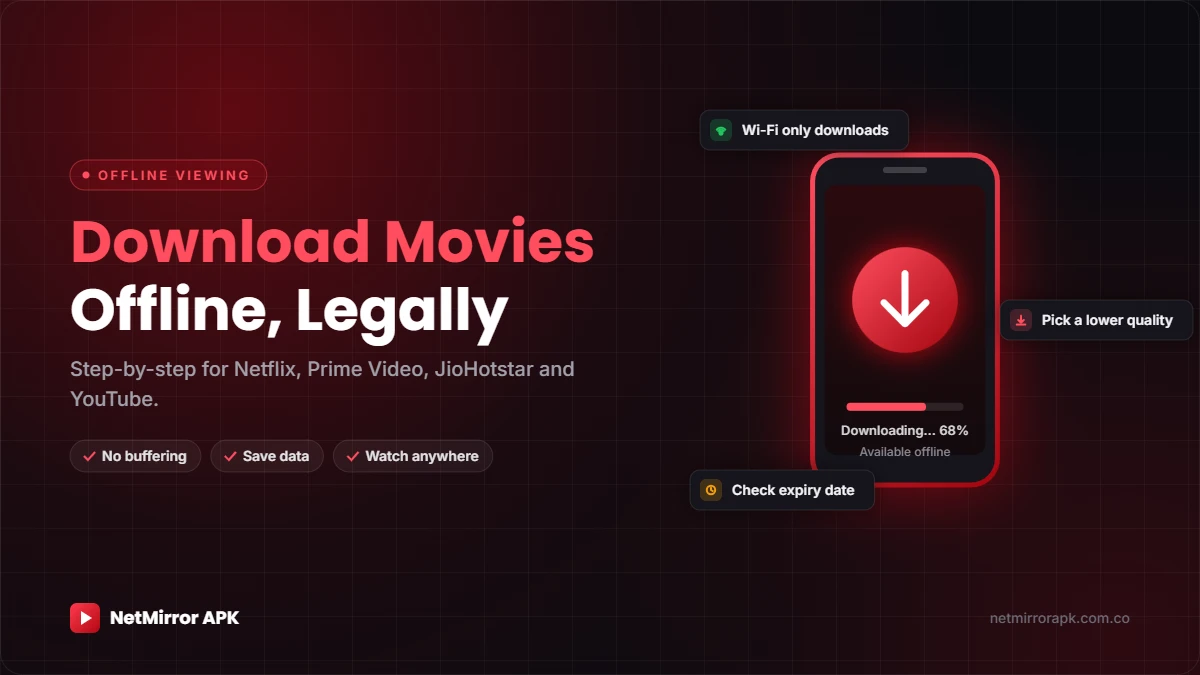
Netflix and Prime Video: open a title and tap Download.
JioHotstar: look for the download icon — only some titles have it.
YouTube: needs Premium or Premium Lite.
Download on Wi-Fi, pick a lower quality on phones and check the expiry before you travel.
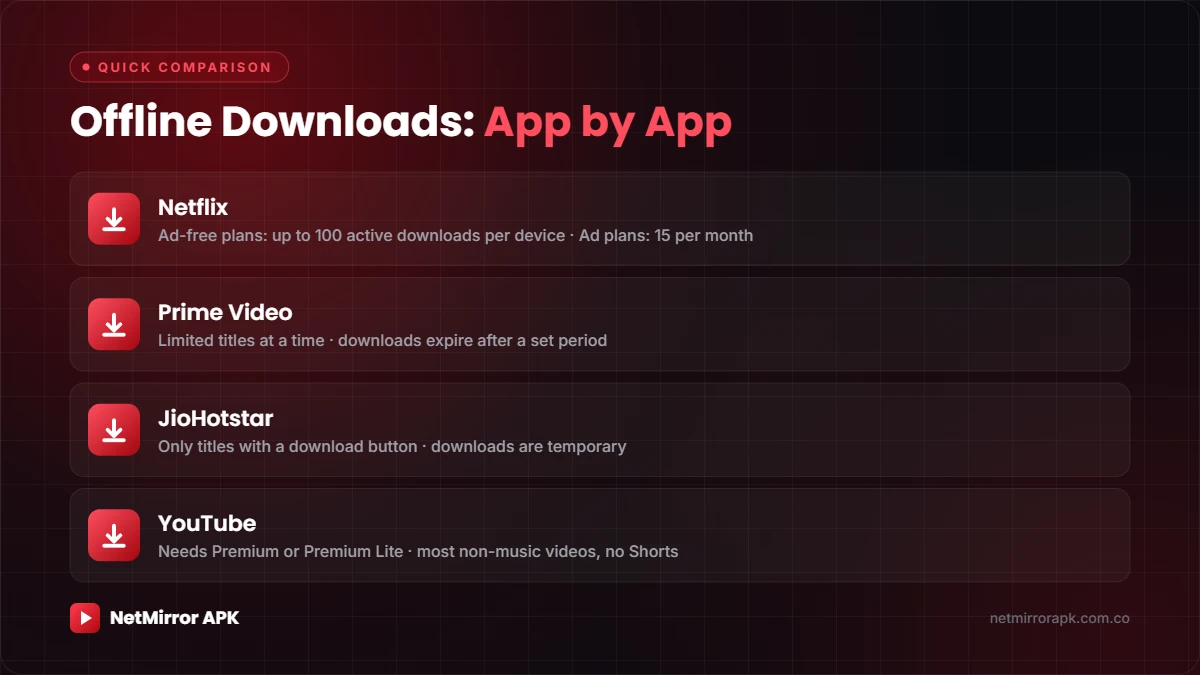
Offline Downloads: App by App
Every big streaming app lets you download movies offline, but the rules are a little different on each one:
| App | Where downloads work | Main limits |
|---|---|---|
| Netflix | Android, iPhone/iPad, Amazon Fire tablet, Chromebook | Ad-free plans: up to 100 active downloads per device. Ad-supported plans: 15 downloads per device per month. |
| Prime Video | Android, iPhone/iPad, Fire tablet, Windows and macOS apps | Limited number of titles at a time; downloads expire after a set period. |
| JioHotstar | Android and iOS apps (India) | Only titles with a download button; downloads are temporary. |
| YouTube | YouTube app with Premium or Premium Lite | Most non-music videos on Premium Lite; Shorts are not included. |
Before You Start
- Update the app: older versions may not show the download option.
- Stay signed in: signing out usually removes your downloads.
- Use Wi-Fi: a full movie in high quality can use a lot of mobile data.
- Free up storage: delete old downloads, videos and unused apps first.
- Check your plan: downloads only work while your subscription is active.
How to Download Movies Offline on Netflix
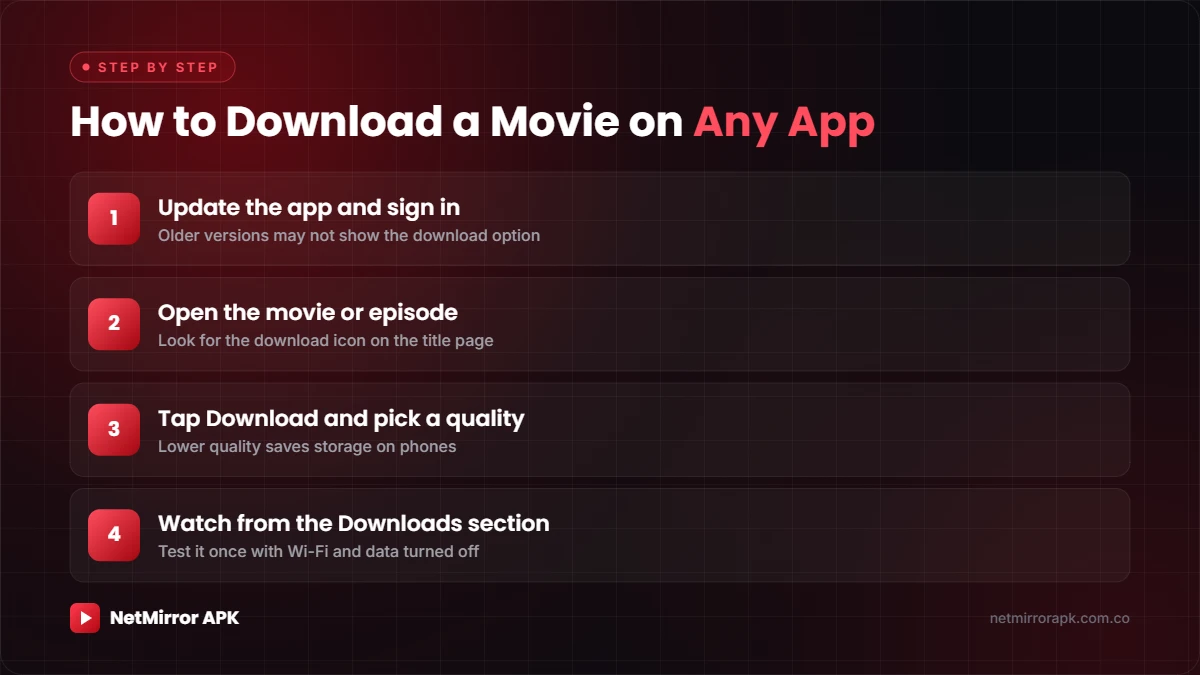
- Open Netflix: sign in and choose your profile.
- Find a title: go to Downloads and tap See What You Can Download, or open any movie.
- Tap Download: for a series, tap the download icon next to an episode, or Download Season.
- Watch offline: open Downloads and tap Play.
Netflix download rules
- Not every title can be downloaded. No download icon means that title can only be streamed.
- Ad-free plans allow up to 100 active downloads at a time per device. Ad-supported plans allow 15 downloads per device per calendar month.
- Downloads expire after some time, and some titles can only be downloaded a limited number of times per year.
- Downloads stay on the device you saved them on, but any profile on that device can watch them.
- In App Settings you can pick the download video quality. Standard uses less storage; Higher looks better on big screens.
- If you cancel your membership, the downloads on that device are deleted.
Source: Netflix Help Center.
How to Download Movies Offline on Amazon Prime Video
- Open Prime Video: search for the movie or show.
- Tap Download: on a movie’s detail page, tap Download. For a series, tap Download Season or the icon next to each episode.
- Choose quality: pick a download quality if the app asks. You can set a default in the app’s Settings.
- Watch offline: find your saved titles in the Downloads section.
Prime Video download rules
- On Android and Windows you can choose where downloads are saved, such as an SD card.
- Downloaded titles can’t be cast to a TV with Chromecast or AirPlay.
- Prime Video limits how many titles you can keep at once, and each download expires after a set time. The app shows how long you have left.
- Rented and purchased titles may have their own viewing window.
Source: Prime Video Help.
How to Download Movies Offline on JioHotstar
- Sign in: open the JioHotstar app and check you’re on the right account.
- Find the download icon: open the movie or episode and look for Download.
- Start the download: pick a quality if asked and keep the app open until it finishes.
- Test it: turn off Wi-Fi and mobile data and play it once before you travel.
JioHotstar download rules
- Downloads are only offered on some titles. No download icon means it can only be streamed.
- Downloads are encrypted and temporary. They play only inside the JioHotstar app and can’t be copied.
- Signing out, clearing app data or uninstalling the app can remove your downloads.
- Any expiry time is shown on the title itself, so check it before a trip.
JioHotstar plans in India (2026)
These prices apply to new subscribers from 28 January 2026, according to JioStar:
| Plan | Monthly | 3 months | Yearly | Devices | Ads |
|---|---|---|---|---|---|
| Mobile | ₹79 | ₹149 | ₹499 | 1 mobile | Yes |
| Super | ₹149 | ₹349 | ₹1,099 | Up to 2 | Yes |
| Premium | ₹299 | ₹699 | ₹2,199 | Up to 4 | No (except live sports and shows) |
How to Download Movies and Videos on YouTube
YouTube downloads need a YouTube Premium or Premium Lite membership. Since March 2026, Premium Lite in India includes downloads and background play for most videos, except music and Shorts.
- Play the video: open it in the YouTube app.
- Tap Download: it’s below the video. Choose a quality.
- Watch offline: find it under You > Downloads.
| YouTube plan (India) | Price per month |
|---|---|
| Premium Lite | ₹89 |
| Premium Student | ₹89 |
| Premium Individual | ₹149 |
| Premium Two-Person | ₹219 |
| Premium Family (up to 5 members) | ₹299 |
Tip: many film studios and music labels upload full movies on their official YouTube channels for free. Look for the verified badge next to the channel name.
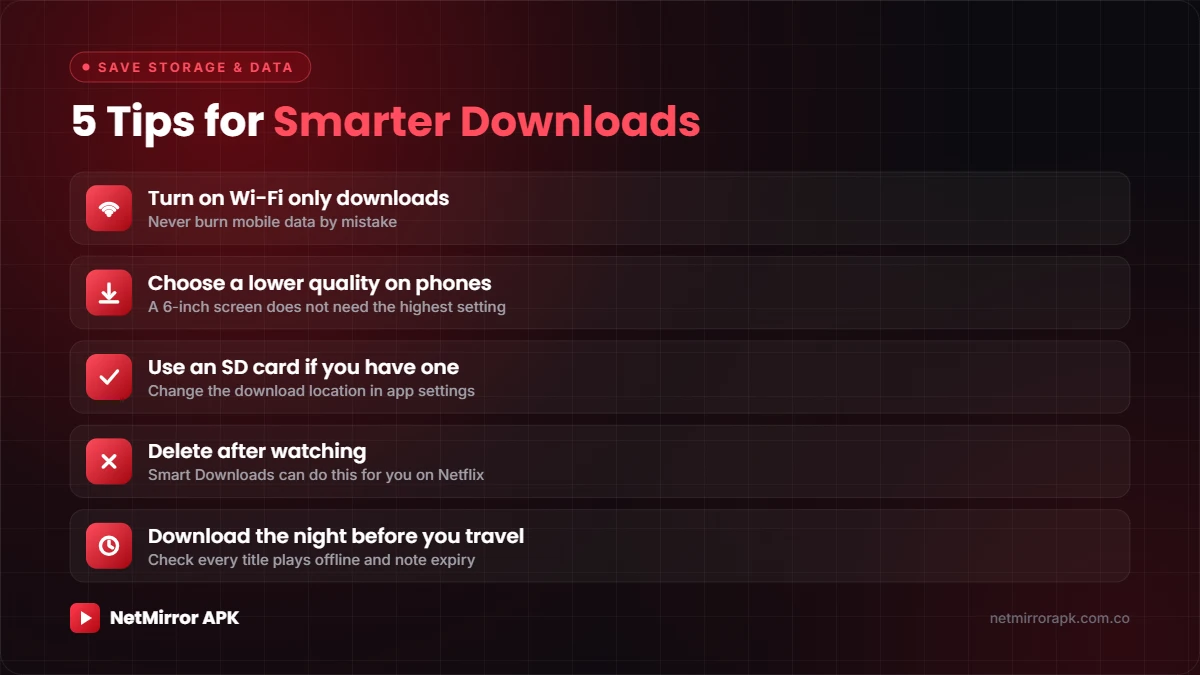
Tips to Save Storage and Mobile Data
- Turn on “Wi-Fi only” downloads in each app’s settings so you never use mobile data by mistake.
- Choose a lower quality on phones. A 6-inch screen doesn’t need the highest setting, and the file is much smaller.
- Use an SD card if your phone has one. Netflix and Prime Video let you change the download location on Android.
- Delete after watching. Netflix’s Smart Downloads can remove watched episodes and download the next one on Wi-Fi.
- Download the night before you travel, then check every title plays with the internet off.
Why Use Official Apps Instead of Movie Download Sites?
✅ Official apps
- Full HD or better video and proper subtitles
- No pop-up ads or fake download buttons
- No risk to your phone or bank account
- Creators get paid for their work
❌ Download sites and modded APKs
- Fake download buttons and aggressive ads
- “Human verification” scams asking for OTPs
- Malware that can read your messages
- Content shared without permission
If you ever do need to install an app from outside the Play Store, check it first with our 10-point APK safety checklist and watch out for red-flag permissions.
Frequently Asked Questions
Can I move downloaded movies to another phone or laptop?
No. Downloads from streaming apps are encrypted and tied to the app and device you used. Download them again on the other device.
Why don’t some movies have a download button?
Streaming services only get download rights for some titles. No download icon means that title can only be streamed.
Do my downloads work after my subscription ends?
No. Downloads need an active subscription. On Netflix, cancelling your membership deletes the downloads on your device.
How much storage does one movie take?
It depends on the movie’s length and the quality you choose. Lower quality settings use much less space, so they’re a good choice for phones.
Can I watch downloaded movies on my TV?
Downloads are meant for the device you saved them on. Prime Video doesn’t allow casting downloaded titles with Chromecast or AirPlay, so use the TV app when you have internet.
Related Guides
Final Word
Downloading movies offline is easy once you know where the button is. Use the app you already pay for, download on Wi-Fi in a sensible quality, and check your downloads play before you leave home. You’ll have hours of entertainment ready — no buffering, no data worries.
One Comment