Is NetMirror Safe to Use? (Safety, Legality & Ban Status)
Is NetMirror safe to use? It is one of the first questions people ask before installing the app. NetMirror (launched in 2023 as “Netflix Mirror”) is a free, unofficial app and website that streams movies and shows from Netflix, Prime Video, JioHotstar and others. It is not on the Play Store or App Store and has no licence for this content, so the honest answer has two parts: technical risk and legal risk. Below we explain both, plus how to stay safe. For an overview of the app itself, see our NetMirror APK guide.
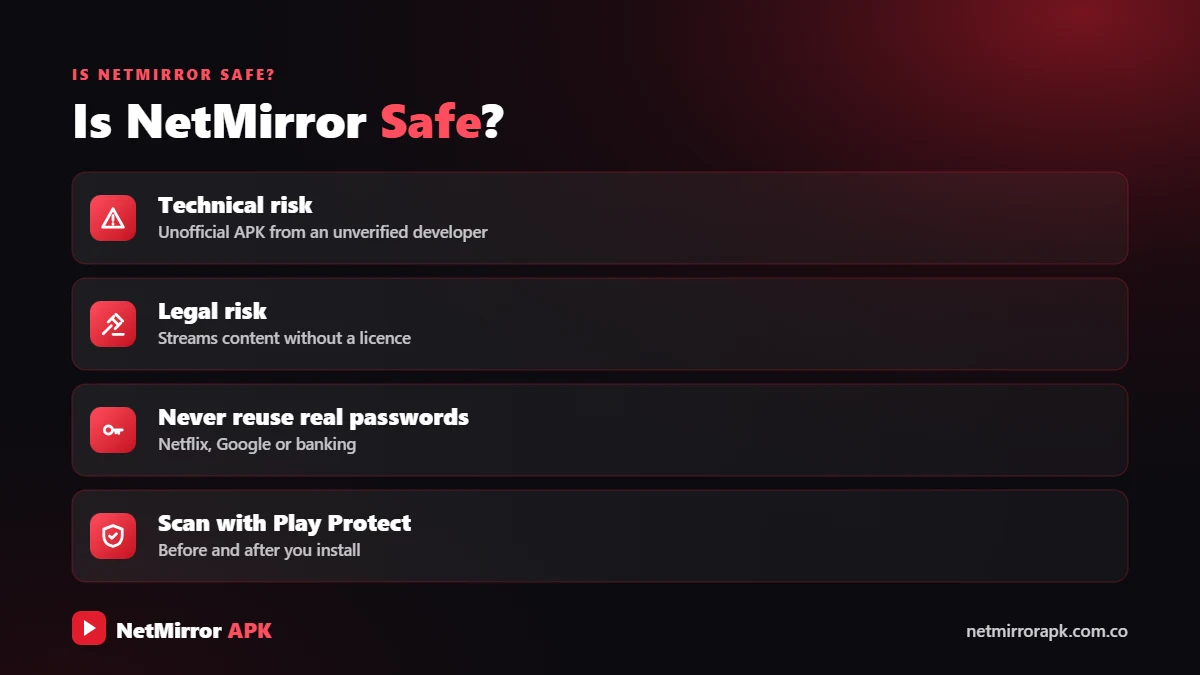
Technical risk: the APK is not reviewed by Google or Apple, its sites show heavy ads and redirects, fake copies exist, and some versions ask for permissions they don’t need.
Legal risk: it streams unlicensed content, so users take on copyright risk, and its sites keep getting blocked in India.
For zero risk, use a legal app like Netflix, JioHotstar, Amazon MX Player or YouTube.
An honest look at the risks, the legal position and how to protect your phone.
Is Net Mirror App Safe for Your Phone?
Play Store apps are checked by Google before you can install them. An APK from a website skips that check, so your safety depends on the exact file you get. Google explains how its scanner checks apps installed from outside the Play Store on its Google Play Protect help page.
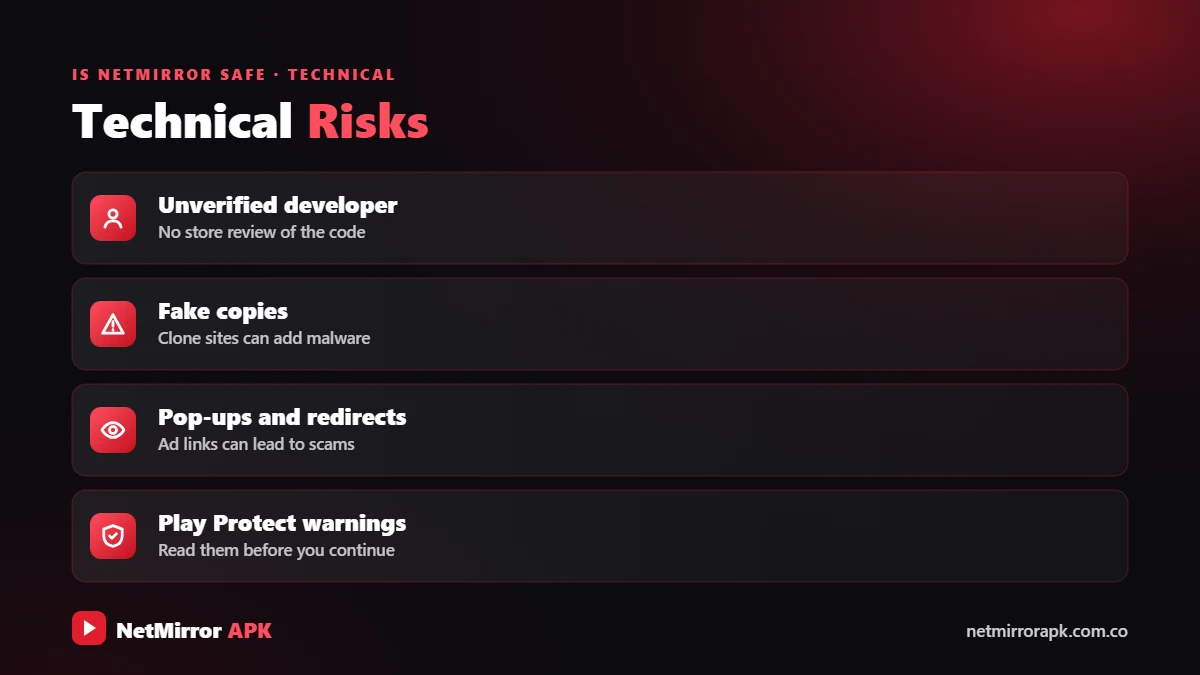
1. Unreviewed APK files
No one independent checks what is inside an APK shared online. A modified file can look exactly like the real one, with the same name and icon, but hide adware or spyware.
2. Ads, pop-ups and redirects
Unofficial streaming sites earn money from ads. Expect pop-ups, new tabs, “virus detected” scare messages and notification requests that push fake cleaner apps, betting sites or extra APKs.
3. Fake NetMirror copies
Millions of people search “NetMirror” in India every month, so copycat sites use the name. Because the real addresses change often after blocks, it is easy for a fake site to claim it is the “new official link”.
4. App permissions: normal vs red flag
A streaming app needs very little access. Check permissions while installing and later in Settings → Apps → NetMirror → Permissions.
| Permission | Normal or red flag? | Why |
|---|---|---|
| Internet / network | ✅ Normal | Needed to stream |
| Notifications | ✅ Normal (optional) | You can deny it |
| Storage / files | ✅ Normal | For offline downloads |
| “Install unknown apps” | ⚠️ Needed once | Turn it off after installing |
| SMS | 🚩 Red flag | Can read OTPs and bank messages |
| Contacts / call logs | 🚩 Red flag | No streaming use |
| Accessibility / device admin | 🚩 Big red flag | Can control your phone or block uninstalling |
| Camera, mic, location | 🚩 Red flag | Not needed to watch videos |
Is NetMirror App Safe to Use for Your Privacy?
As an unofficial app, NetMirror has no store review and no clear accountability for the data the app or its sites collect. Share nothing personal:
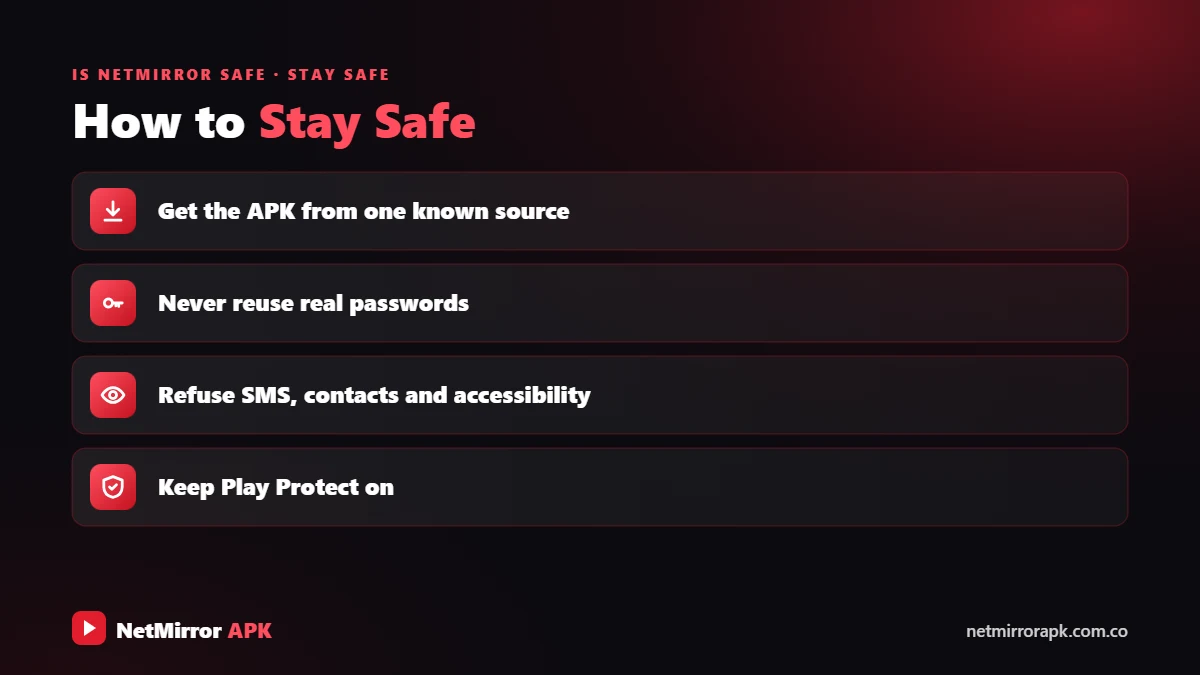
- No real passwords: never type your Netflix, Google or email password on a NetMirror screen.
- No payment details: NetMirror is free, so any “premium unlock”, card or UPI request is a scam.
- No OTPs: no streaming site needs them.
- Beware of fake login pages that copy Netflix or Google sign-in screens to steal accounts.
Newer versions often show a login or human verification step before streaming. It is usually an anti-bot check, but it can lead to ads or redirects. If it asks you to install an app, pay or enter personal details, close it.
Is NetMirror Legal in India?
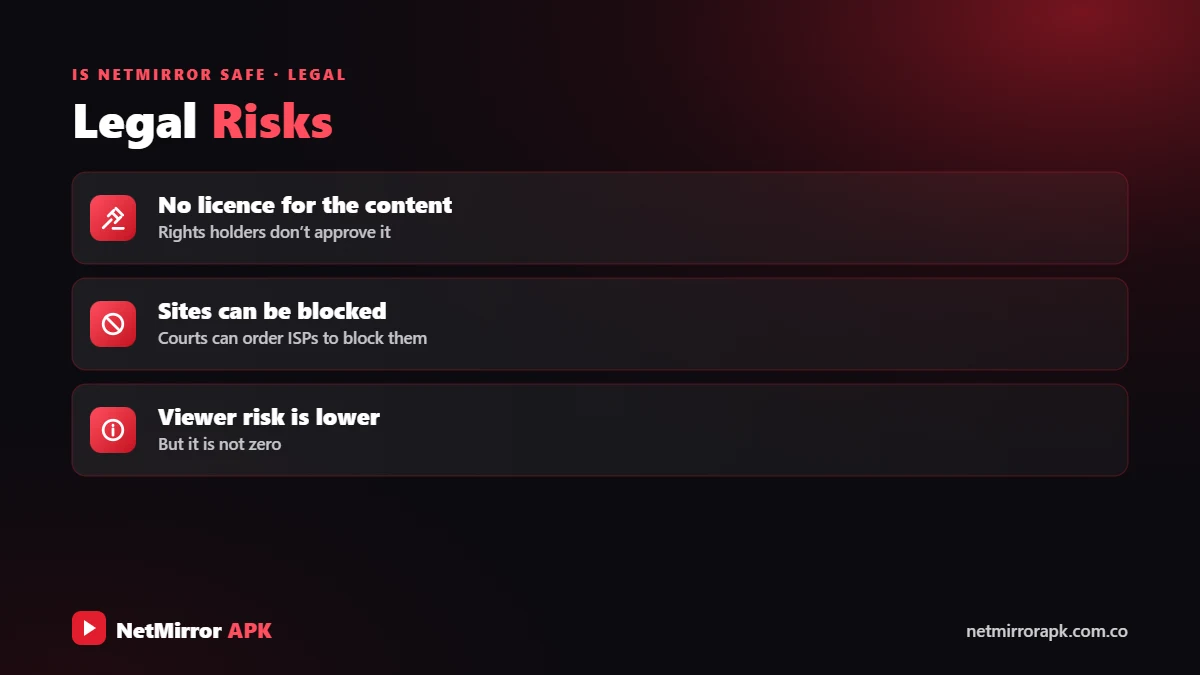
No. Netflix, Prime Video and JioHotstar pay for the right to stream their titles. NetMirror shows the same titles without those rights, which makes it a piracy service, however polished it looks.
Is NetMirror Illegal?
Sharing unlicensed movies and shows is copyright infringement. Under India’s Copyright Act, 1957, knowingly infringing copyright can lead to up to 3 years’ imprisonment and a fine of up to Rs 2 lakh (as summarised by Drishti IAS, April 2026). The blocking actions below target the sites, but users who knowingly stream or download pirated copies can face legal risk too. This is general information, not legal advice.
Is NetMirror Banned in India?
For piracy sites, “banned” usually means repeated blocking rather than one formal app ban:
- Dynamic injunctions: in April 2019, the Delhi High Court allowed “dynamic injunctions”, so ISPs can block mirror and redirect versions of pirate websites as new addresses appear.
- Government orders: the Ministry of Information & Broadcasting has ordered the blocking of thousands of piracy Telegram channels and websites.
- ISP blocks: blocked mirror sites simply stop opening, which is why NetMirror’s web addresses change so often.
So in practice, yes: NetMirror sites keep getting blocked in India. If it suddenly stops opening, a block may be the reason (see NetMirror not working). We do not recommend VPNs or other tricks to get around blocks.
Is NetMirror Safe for Android, Android TV and Laptop?
Is NetMirror safe for Android?
The risks above apply in full. Keep Google Play Protect on, check permissions, and if possible avoid sideloading unofficial apps on the phone you use for banking and UPI.
Is NetMirror safe for Android TV?
On Android TV, Google TV and Fire TV Stick, the TV app is sideloaded through the Downloader app. A TV app should never need contacts, microphone or location, and you should turn “Install unknown apps” off for Downloader afterwards. Samsung and LG TVs cannot install APKs, so ignore sites that claim otherwise. See our NetMirror TV guide.
Is NetMirror safe for laptop?
There is no official Windows or Mac app. People use the web version in a browser, or the APK in an emulator such as BlueStacks. The main risks are pop-ups, redirect tabs and fake “player update” downloads, so never run an .exe or .dmg file that claims to be NetMirror. If you add the “Netmirror Extension”, install it only from the official Chrome Web Store or Firefox Add-ons site, and remove it when you no longer need it.
NetMirror Safety Checklist
If you still use NetMirror, these steps reduce the risk. They do not remove it.
Check the free legal apps you already have.
Let it scan any APK before you install it.
Internet, notifications and storage only. Deny the rest.
Disable Install unknown apps right after installing.
No passwords, card details, UPI PIN or OTP.
Block site notifications and install Android updates.
If you still use NetMirror, these steps lower the risk (they do not remove it):
- Try legal first: check YouTube, Amazon MX Player or the apps you already pay for.
- Keep Play Protect on: let it scan any APK before you install it.
- Allow only basic permissions: internet, notifications and storage. Deny the rest.
- Turn off “Install unknown apps”: do it right after installing.
- Never pay or share secrets: no passwords, card details, UPI PIN or OTP.
- Close pop-ups: don’t allow site notifications or install apps that ads push.
- Stay updated: install Android and browser updates.
Signs of a Fake NetMirror APK
Delete the file or app at once if you notice any of these.
Ends in .apk.exe, .zip or a setup file instead of .apk.
Wants SMS, contacts, accessibility or device admin.
A general unknown-app warning is normal. Harmful is not.
Any premium code or unlock fee is a scam.
The app hides itself after installing.
Asks you to install an extra player or plugin.
Ads appear outside the app or the battery drains fast.
Came from an ad or an unknown Telegram or WhatsApp forward.
Delete the file or app at once if you notice any of these:
- The file is not a plain .apk (for example “.apk.exe”, “.zip” or “setup.exe”).
- It asks for SMS, contacts, accessibility or device admin access.
- Play Protect calls it harmful. A general “unknown app” warning is normal; “harmful” is not.
- It asks for money or a “premium code”.
- Its icon disappears after installing.
- It wants you to install a second “player” or “plugin” app.
- Ads start appearing on your home screen, or the battery drains fast.
- The link came from a pop-up ad or an unknown Telegram or WhatsApp forward.
Installed a Suspicious Version? Do This Now
- Go offline: turn off Wi-Fi and mobile data.
- Remove special access: in Settings, check “Device admin apps” and Accessibility, and switch off anything unknown.
- Uninstall: go to Settings → Apps, pick the app and tap Uninstall.
- Scan: open Play Store → profile picture → Play Protect → Scan.
- Change passwords: from a safe device, change your Google, email and banking passwords and turn on 2-step verification.
- Check bank and UPI activity: report unknown payments to your bank. In India you can also call the 1930 cybercrime helpline.
- Factory reset: if problems continue, back up your data and reset the phone.
Safer Legal Alternatives to NetMirror
Only a licensed platform removes both risks. Amazon MX Player and YouTube are free with ads, while Netflix, Prime Video, JioHotstar, ZEE5 and SonyLIV have paid plans, sometimes bundled with mobile or broadband packs. Compare them in our NetMirror alternatives guide.
Verdict: Is NetMirror Safe to Use or Not?
👍 Why people use it
- Free, no subscription
- Big catalogue in one place
- Hindi and dubbed audio on many titles
👎 What you risk
- Unreviewed APK and fake copies
- Heavy ads and redirects
- Copyright risk and blocked sites
So, NetMirror is safe or not? Not completely. You can reduce the technical risk by avoiding fake copies, denying risky permissions and never entering personal details. You cannot remove the legal risk with any setting, because the content is unlicensed. For worry-free watching, a legal platform is always the safest choice.
Frequently Asked Questions
Is NetMirror app dangerous?
It is risky rather than automatically dangerous. It is not store-reviewed, fake copies exist and its sites show heavy ads. The real danger depends on the file you install and the permissions you allow.
Is NetMirror harmful for my phone?
A genuine copy needs only internet, storage and notification access. Harm usually comes from fake APKs or ad-pushed apps, which can show pop-ups, drain the battery or steal data.
Is NetMirror safe for Android TV?
It has the same risks as on a phone, because the TV app is sideloaded. Check its permissions and turn off “Install unknown apps” for Downloader afterwards.
Is NetMirror legal?
No. It streams Netflix, Prime Video and JioHotstar titles without a licence. Under India’s Copyright Act, 1957, knowingly infringing copyright can lead to up to 3 years’ imprisonment and a fine of up to Rs 2 lakh, so users take on legal risk.
Is NetMirror banned in India?
Its mirror sites are blocked by Indian ISPs again and again, which is why the addresses keep changing. It is repeated blocking rather than one formal app ban, but NetMirror is not a legal service either way.
Is NetMirror safe? What does Reddit say?
User opinions on Reddit and other forums are mixed. Personal experiences cannot prove an app is safe, and there is no independent security audit of NetMirror.
Kya NetMirror app safe hai?
Simply put, NetMirror is not fully safe: it is unofficial, fake copies exist and its content is unlicensed. Seedhi baat: JioHotstar ya Amazon MX Player jaise legal apps zyada safe hain.
Related NetMirror Guides
Disclaimer: netmirrorapk.com.co is an independent information website. We are not affiliated with NetMirror, Netflix, Amazon Prime Video, JioHotstar or any other brand mentioned. We do not host, upload or stream any movies or shows; the only file we host is the NetMirror APK on our NetMirror download page. All trademarks belong to their owners. Please respect copyright and use official platforms wherever possible.