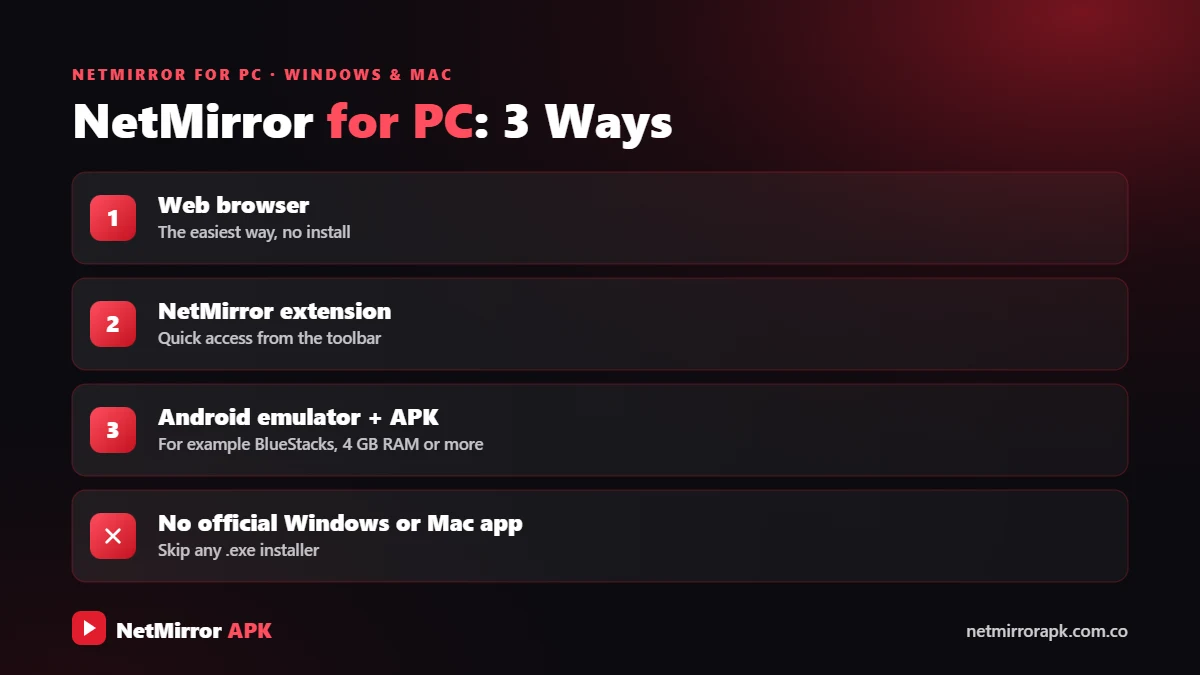
Want to watch on a bigger screen with NetMirror PC? Many users search for NetMirror for PC, laptop, Windows and Mac, but there is no official desktop app. NetMirror is made for Android phones and the web, and it is not listed on the Microsoft Store or the Mac App Store.
The good news: you can still use it on a computer in three ways. You can open the web version in a browser, add the Netmirror Extension to help the web player load, or run the Android APK inside an emulator such as BlueStacks or LDPlayer. This guide explains each method in simple steps.
| App Name | NetMirror (Net Mirror) |
|---|---|
| Platforms | Windows 10, Windows 11, macOS |
| Official PC App | Not available |
| Ways to Use | Browser, Netmirror Extension, Android emulator |
| Price | Free, no subscription |
| Emulator RAM | 4 GB or more recommended |
| Languages | Hindi, English, dubbed audio (varies by title) |
| Status | Unofficial service |
Three easy ways to watch on a Windows laptop, desktop or Mac.
Is There a NetMirror App for PC?
No. There is no official NetMirror app for PC, Windows or Mac. Files named “NetMirror.exe” or “NetMirror Setup” on random sites are not genuine and may contain malware, so do not run them.
NetMirror Desktop: What You Get
On a desktop or laptop you get the same catalogue as the phone version: trending rows, search, title pages, Hindi and English audio where available, subtitles and quality options. The difference is only in how you open it. If you are new to the service, read our main NetMirror APK guide first.
⬇️ Download NetMirror APKMethod 1: NetMirror Website for PC (Easiest)
The browser method needs no installation and works on any Windows laptop, desktop or Mac.
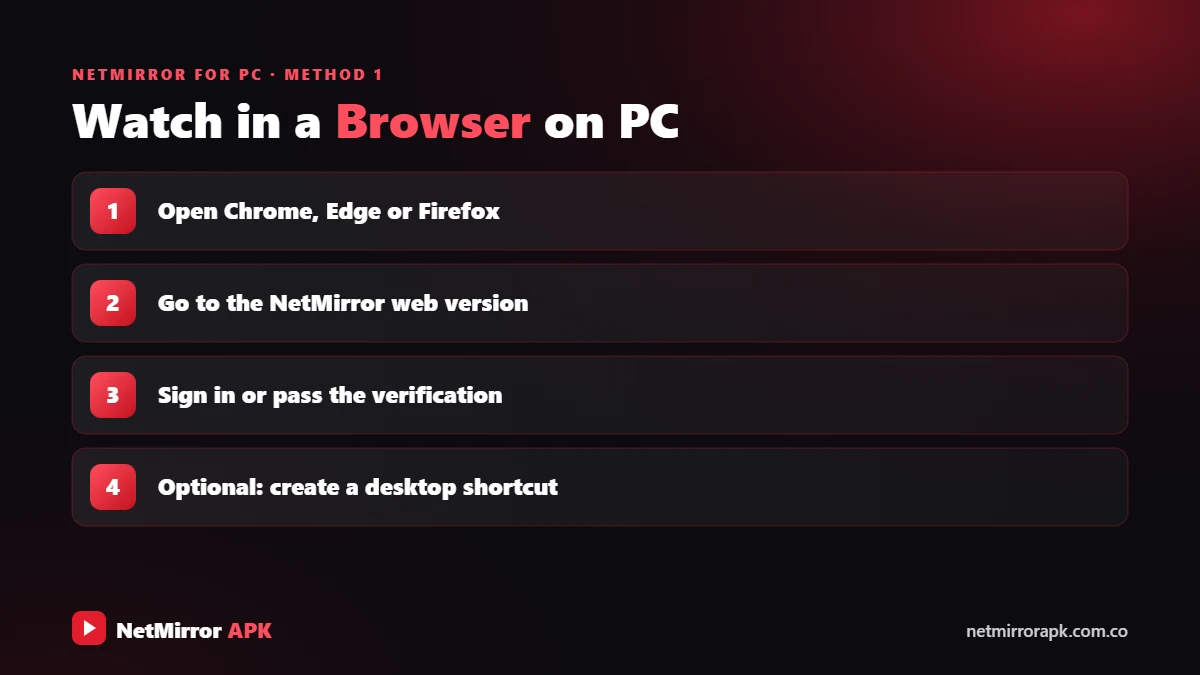
- Open a modern browser: Use the latest Chrome, Edge or Firefox.
- Open the NetMirror web version: The address changes often because internet providers block such sites, so be careful of fake copies.
- Finish login or verification: Complete the login or human verification step and close any ad tabs that open.
- Play a title: Search for a movie or show, choose the audio and quality, and switch to full screen.
- Create a desktop shortcut (optional): In Chrome or Edge, open the browser menu and use the option to create a shortcut or install the site as an app, so it opens from your desktop or taskbar.
Read more in our NetMirror Online guide and the NetMirror login guide.
Method 2: Use the Netmirror Extension
Sometimes the web player shows a title but the video does not load on desktop. The Netmirror Extension is a real browser add-on made to help with this.
- Chrome: The “Netmirror Extension” on the Chrome Web Store (500K+ users) lets you add, modify or remove HTTP request headers.
- Firefox: The add-on by “Netmirror” changes the Referer header for supported media requests so supported NetMirror pages can load compatible media. The change is off by default and you switch it on from the extension popup. The developer says it collects no personal data.
Full setup steps are in our Netmirror Extension guide.
Method 3: NetMirror APK for PC with an Android Emulator
An Android emulator runs Android apps inside Windows or macOS. This lets you use the actual NetMirror app, including features like offline downloads that some app versions offer. It is the only way to run the Net Mirror APK for PC. The most widely used emulator is BlueStacks; download it only from its official website.
Recommended System Requirements
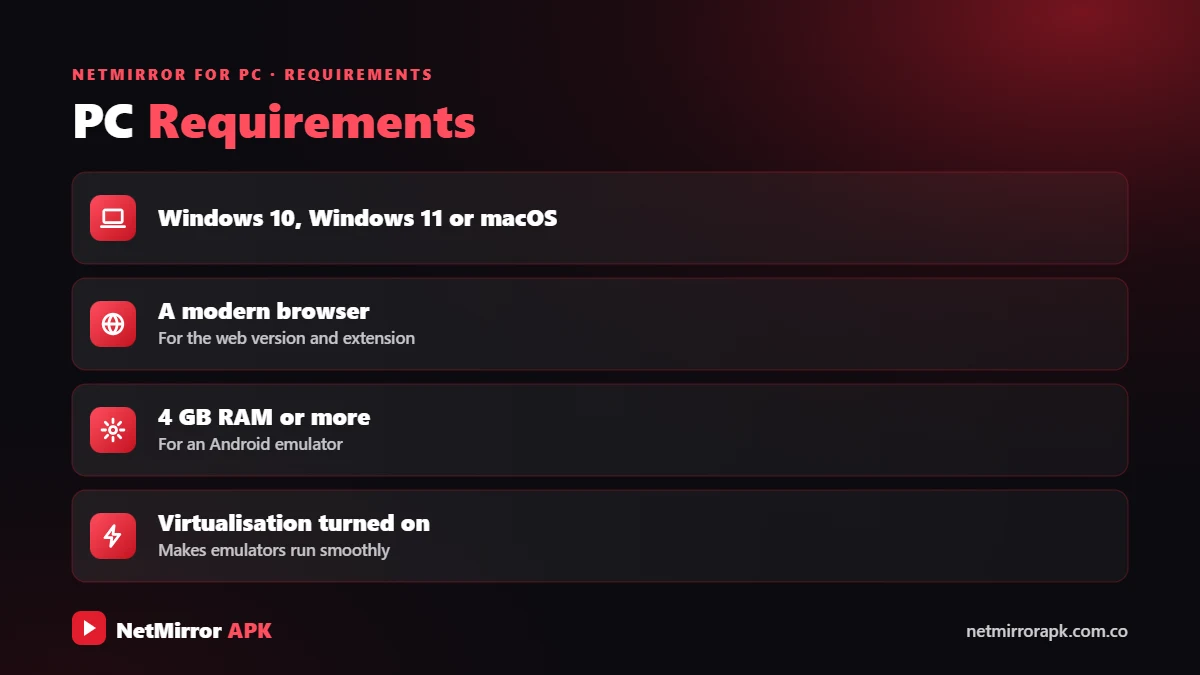
- Windows 10 or Windows 11 (64-bit), or a recent macOS version
- A modern CPU with virtualization (Intel VT-x or AMD-V) enabled
- 4 GB RAM or more recommended (8 GB for smoother playback)
- Free storage space and updated graphics drivers
These are general recommendations, not official NetMirror requirements. Check your emulator’s website for its exact needs.
How to Install NetMirror on Laptop (Step by Step)
- Enable virtualization: Open Task Manager > Performance > CPU and check that Virtualization shows Enabled. If not, turn it on in your BIOS/UEFI settings.
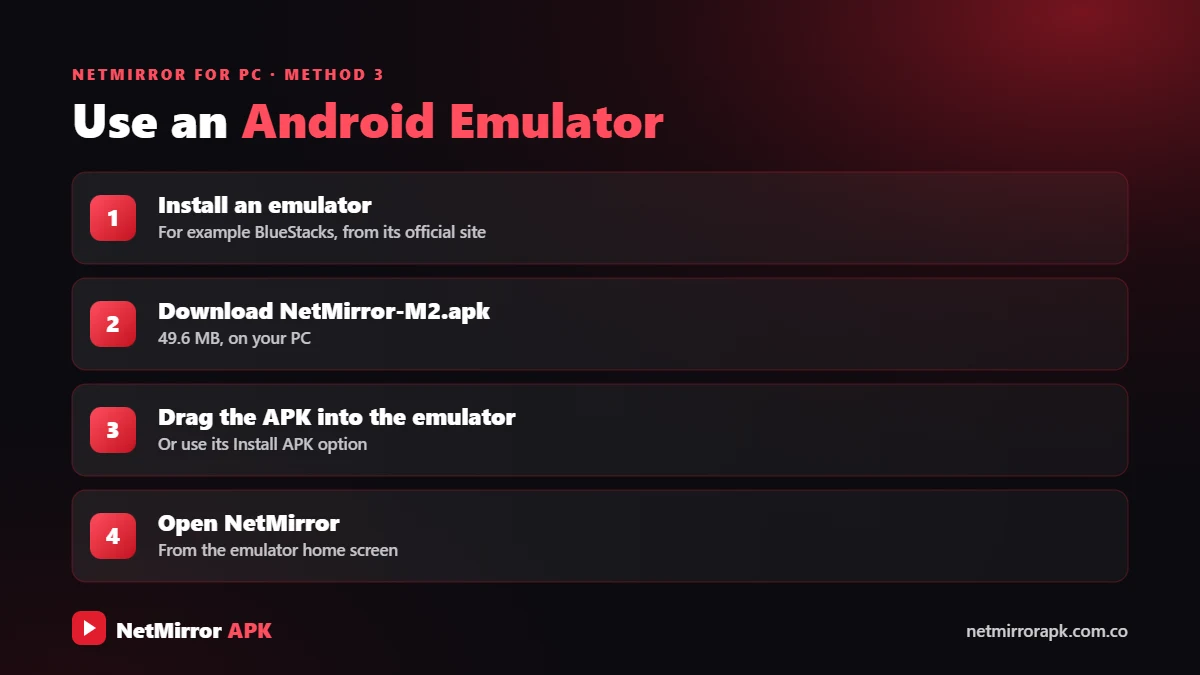
- Install an emulator: Download BlueStacks or LDPlayer only from its official website and complete the setup.
- Get the NetMirror APK: Save the latest APK file you trust to your computer, for example from the download section of our home page.
- Install the APK: Drag and drop the APK file into the emulator window, or use the emulator’s Install APK option in the side toolbar.
- Open NetMirror: Launch the app from the emulator’s home screen and complete any login or verification step.
- Start streaming: Switch to full screen or landscape mode, pick a title and press play.
NetMirror for PC Windows 10 and Windows 11
Looking for Net Mirror for Windows? Both the browser and emulator methods work on Windows 10 and Windows 11. Some emulators ask you to turn Windows features such as Hyper-V or Virtual Machine Platform on or off. Follow the emulator’s own official instructions for this.
NetMirror APK for Laptop: Performance Tips
- Keep the laptop plugged in and close heavy apps.
- Give the emulator more RAM and CPU cores in its settings.
- Lower the video quality if playback stutters.
NetMirror for Mac
There is no NetMirror Mac app. On a MacBook or iMac, open the web version in Safari, Chrome or Firefox. The Netmirror Extension is available for Chrome and Firefox, so use one of those if the player does not load in Safari.
If you want the Android app, Mac-compatible emulators are available, including versions for Apple silicon Macs. Download one only from its official website. iPhone users can read our NetMirror for iOS guide.
NetMirror PC: Which Method Is Best?
Compare the three ways to use NetMirror on a computer.
| Method | Best For | Setup | Install Needed | Works on Mac |
|---|---|---|---|---|
| Web browser | Quick watching | Very easy | No | Yes |
| Netmirror Extension | Fixing web player loading | Easy | Small add-on | Yes (Chrome, Firefox) |
| Android emulator | Full app experience | Medium | Emulator + APK | Yes (Mac versions) |
For most people the browser is enough. Add the extension if videos do not load, and choose the emulator only if your laptop has enough RAM and you want the app’s features.
Why Is NetMirror Not Working on PC? Fixes
Quick fixes for browser and emulator problems.
- Clear cookies and cache for the site, then log in again.
- Turn off your ad blocker for that site only.
- Update your browser or try a different one.
- If you use the extension, check that it is switched on.
- Enable virtualization and update the emulator.
- Update graphics drivers and give the emulator more RAM.
- Clear the app cache in the emulator’s Android settings.
- Reinstall the APK if the app still will not load.
Browser Problems
- Clear cookies and cache for the site, then log in again.
- Turn off your ad blocker for that site only, as it can block the player.
- Update your browser or try another one.
- If you use the Netmirror Extension, check that its header option is switched on in the popup.
Emulator Problems
- Make sure virtualization is enabled and the emulator is updated.
- Update your graphics drivers and give the emulator more RAM.
- Clear the app cache inside the emulator’s Android settings, or reinstall the latest APK.
See our complete NetMirror not working guide for more causes.
Is NetMirror Safe for Laptop?
A trusted browser or an emulator from its official website is safe to install. The risk comes from fake EXE files, modded APKs, aggressive ads and redirects on NetMirror pages. Keep Windows Defender or your antivirus on and never enter bank details on these pages.
There is also a legal side. NetMirror streams content without licences, and in India knowingly infringing copyright under the Copyright Act, 1957 can lead to fines and jail. Read our Is NetMirror safe? guide. Legal options that work in any desktop browser include Netflix, Prime Video, JioHotstar, ZEE5, SonyLIV and YouTube.
NetMirror PC: Final Words
NetMirror PC use is simple once you know the options. There is no official desktop app, so use the web version in a browser, add the Netmirror Extension if the player will not load, or run the APK in an emulator for the full app experience. Avoid fake EXE files, and for worry-free streaming, choose official platforms.
Frequently Asked Questions
How to download NetMirror in laptop?
There is no official laptop app to download. Use the web version in Chrome, Edge or Firefox, or install an Android emulator like BlueStacks and add the NetMirror APK to it.
How to install NetMirror in laptop?
Install an emulator from its official website, save the APK file you trust, then drag and drop it into the emulator or use its Install APK option. Open NetMirror from the emulator home screen.
Is NetMirror available for laptop?
Not as a Windows or Mac app. It works on laptops through the browser, with the Netmirror Extension for the web player, or through an Android emulator.
Can I use NetMirror on Mac?
Yes. Open the web version in Safari, Chrome or Firefox, or use a Mac-compatible Android emulator to run the APK.
Is NetMirror safe for laptop?
The browser method is low risk for your device if you avoid ads and downloads. Never run EXE files that claim to be NetMirror. The service itself is unofficial and streams unlicensed content.
Why is NetMirror not working on PC?
Common reasons are an ad blocker stopping the player, old cookies, a disabled extension, or the website being down or moved. In emulators, disabled virtualization or low RAM can cause problems.
Does NetMirror work on Windows 10?
Yes. The web version works in any updated browser on Windows 10 and Windows 11, and Android emulators also support both versions on 64-bit PCs.
Related NetMirror Guides
Disclaimer: netmirrorapk.com.co is an independent information website. We are not affiliated with NetMirror, Netflix, Amazon Prime Video, JioHotstar or any other brand mentioned. We do not host, upload or stream any movies or shows; the only file we host is the NetMirror APK on our NetMirror download page. All trademarks belong to their owners. Please respect copyright and use official platforms wherever possible.